Content
- Images, videos and web page embeds
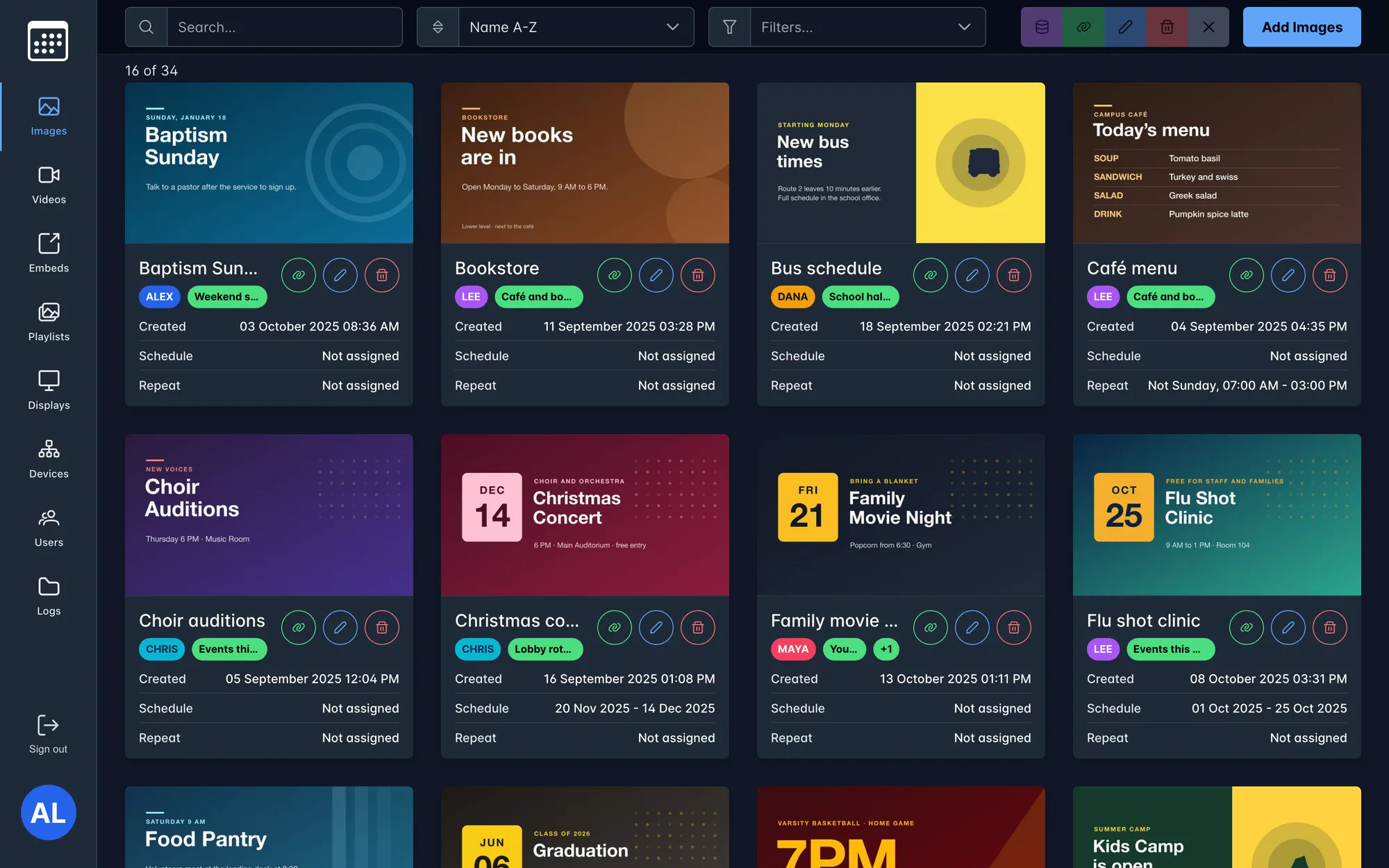
- Small previews made with sharp, videos compressed with ffmpeg
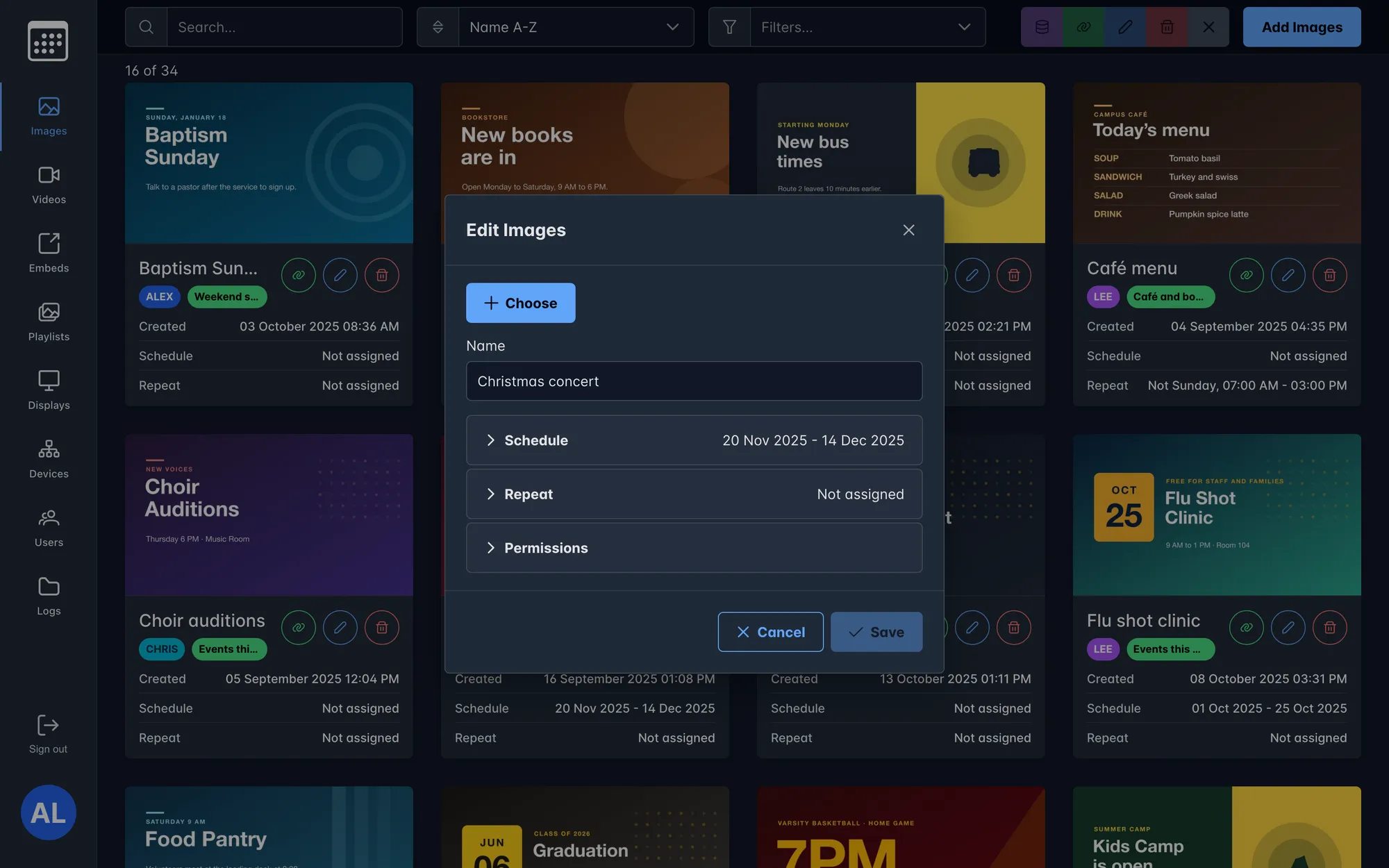
- Search, sort, filters and @tag search by owner
$ open ./work/campus-systems
Four internal web apps for the staff of the GGWO campus in Baltimore: digital signage for the TVs around the buildings, emergency codes and security reports, messages on desk phones, and a control board for a live call-in show.
apps
4
media system
~18k
lines of code
stack
React · PrimeReact
Express · MySQL · WebSockets
years
2024 – 2025
plus a UniFi network of 250+ devices
Content, playlists and schedules for every TV on campus.
02One-tap emergency codes and daily security reports.
03Messages pushed to the screens of the office desk phones.
04Callers, notes and a shared clock for a live show.
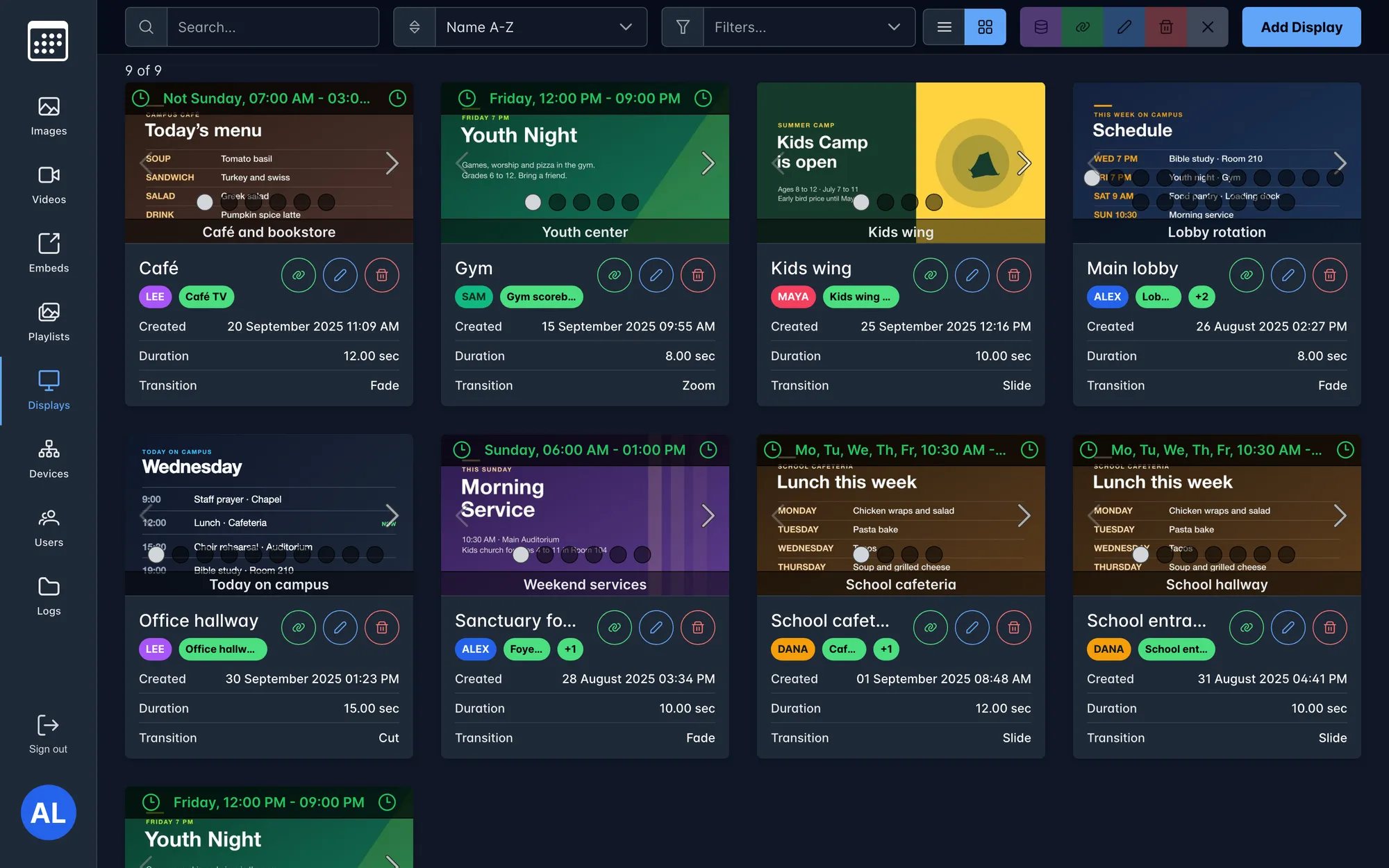
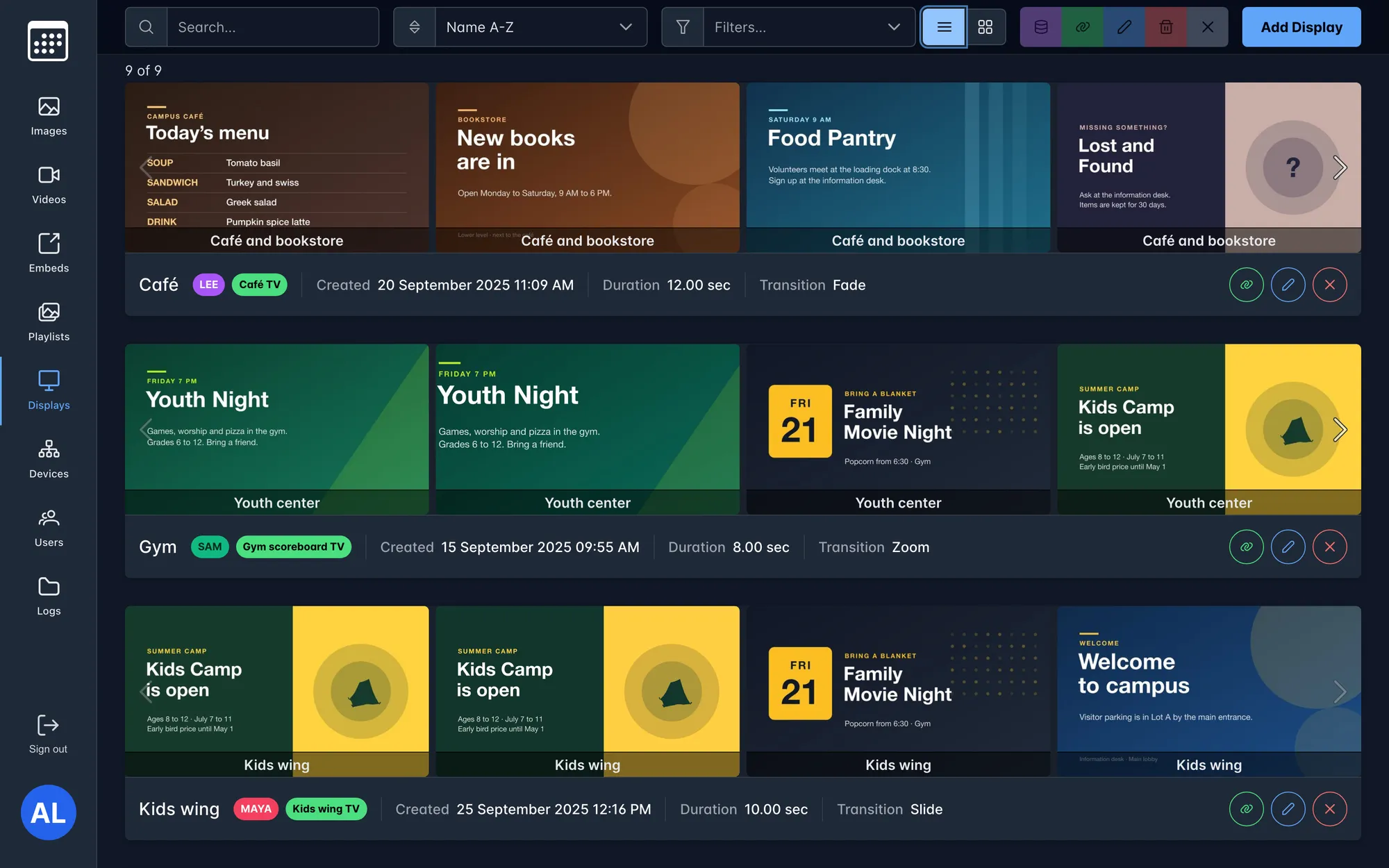
The campus has TVs around its buildings, and many teams want something on them: the school, the youth group, the café, the office. The Media System lets each team upload its own images, videos and web pages, put them in playlists, schedule them, and send them to any screen from the browser.
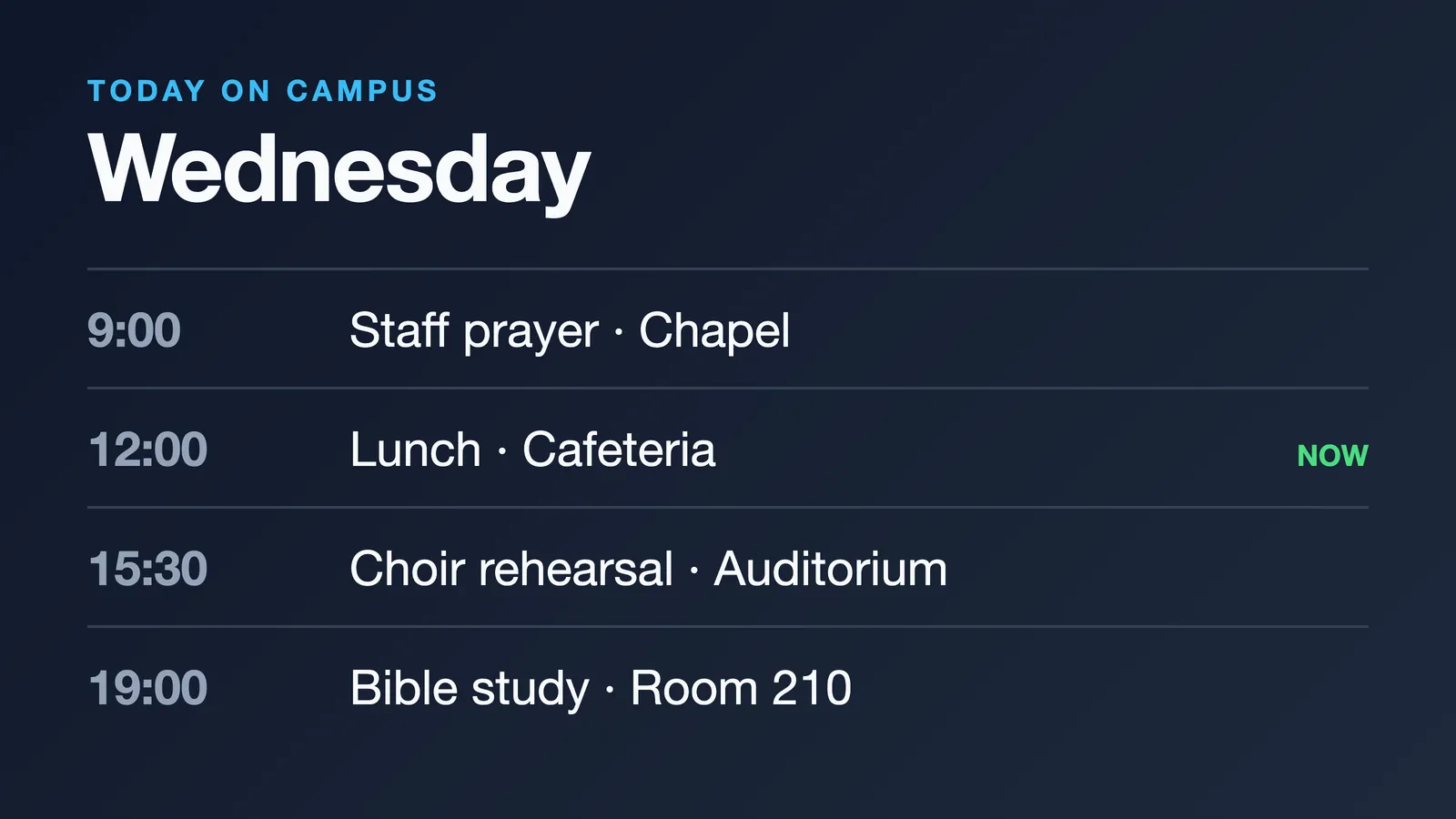
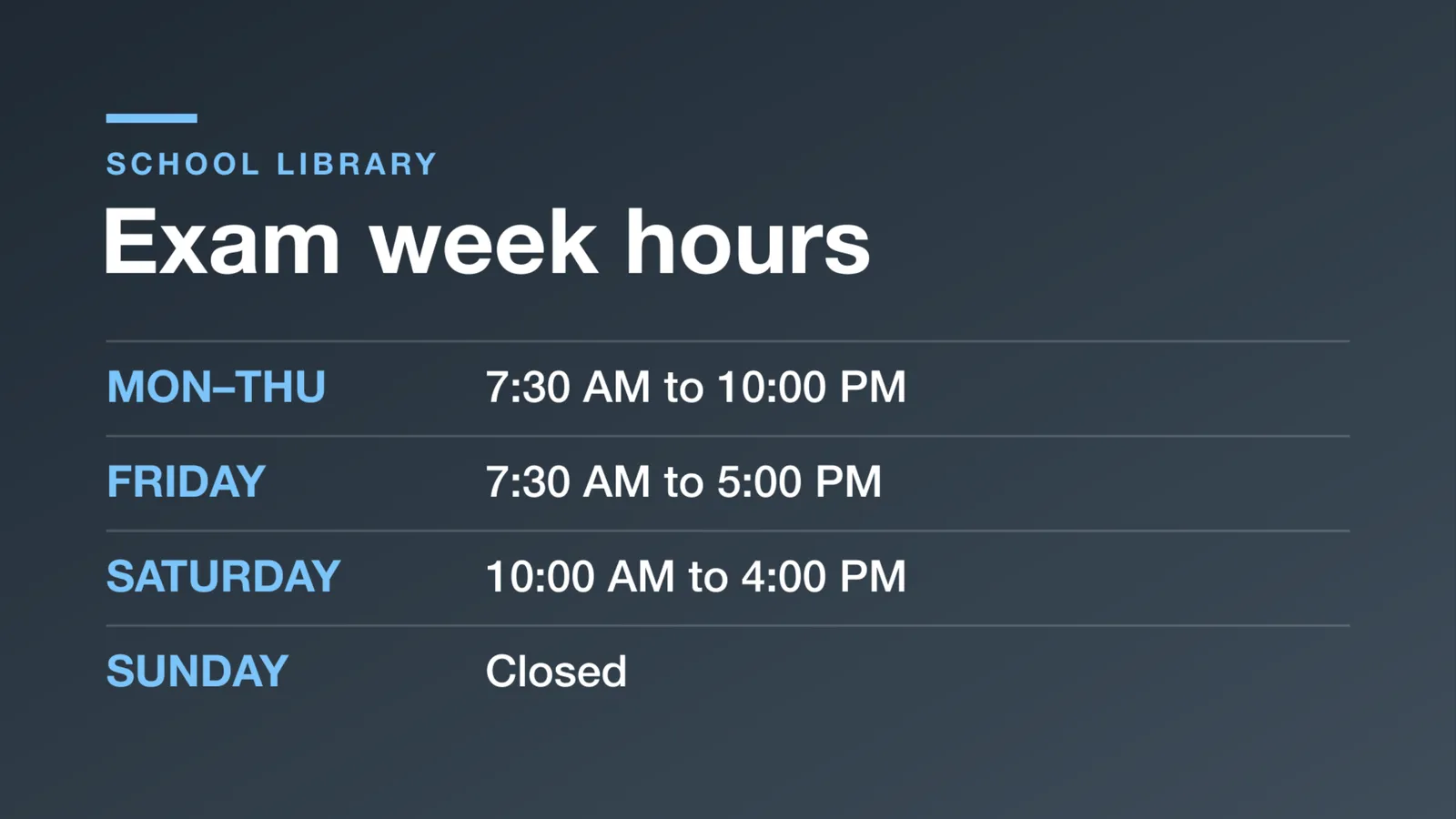
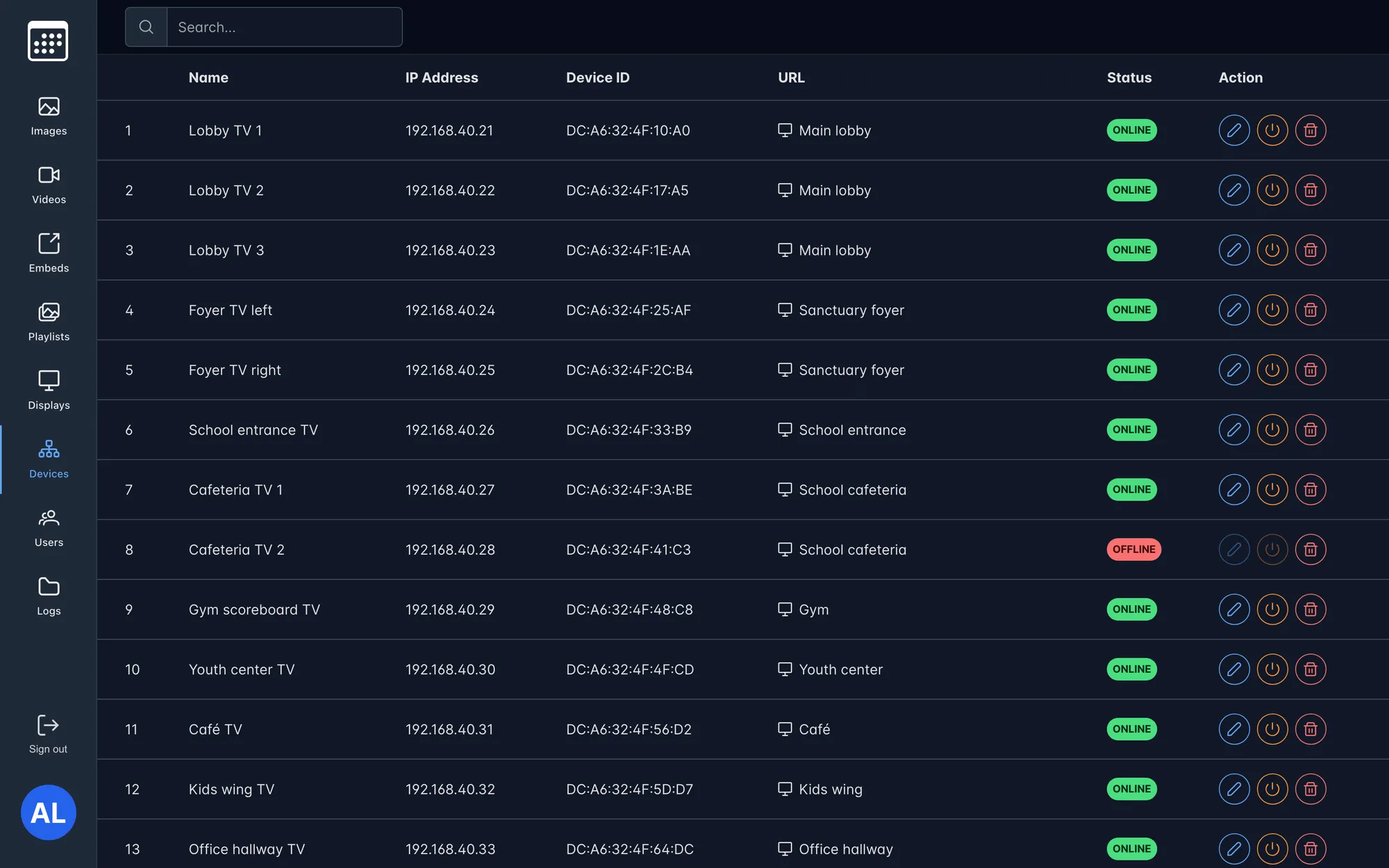
Every TV runs a small player device that opens a display page full screen. When someone edits a slide, every screen showing it updates right away over WebSockets, with no one walking around with a USB stick or a remote.
building what a screen shows
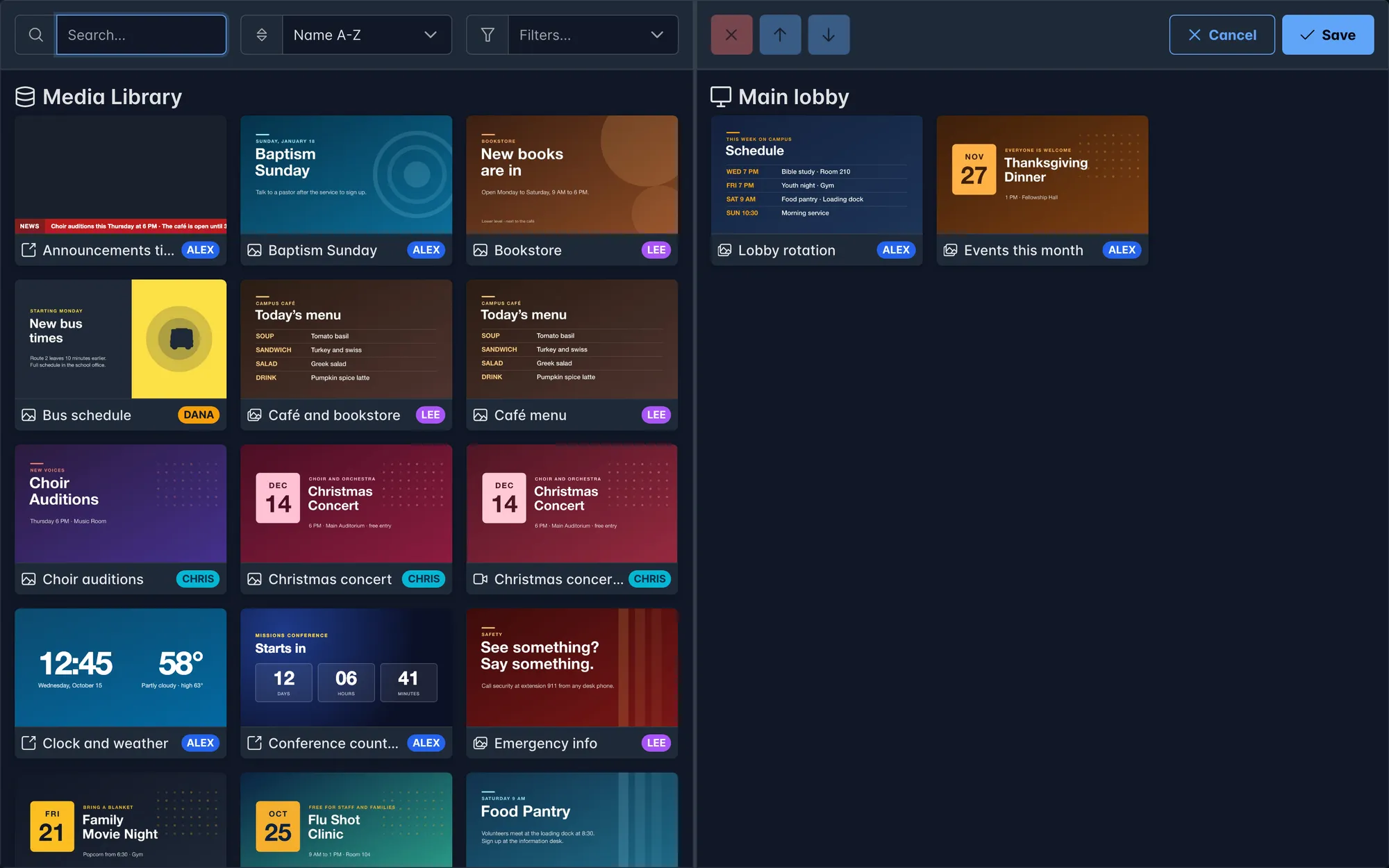
on the TVs
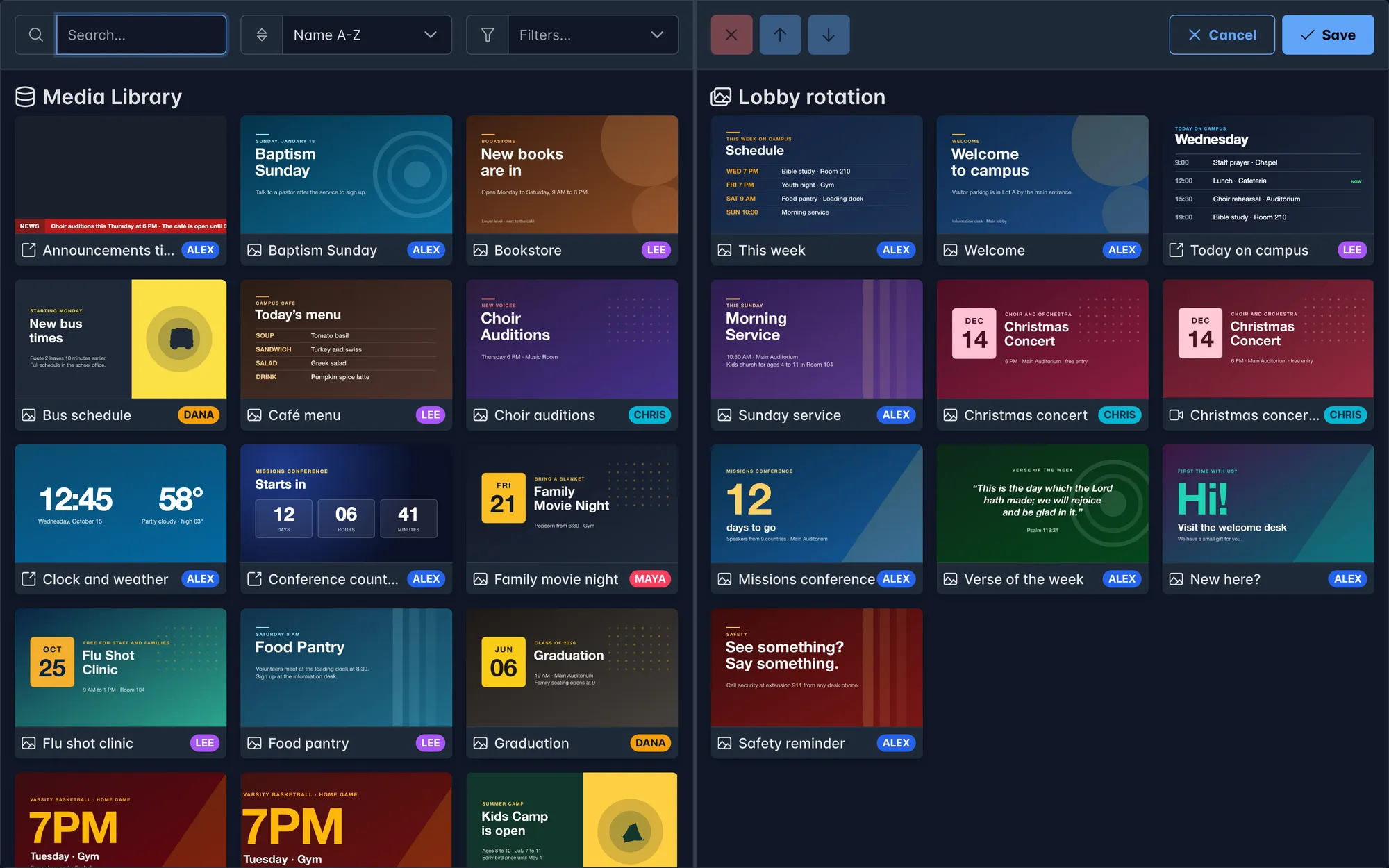
the library
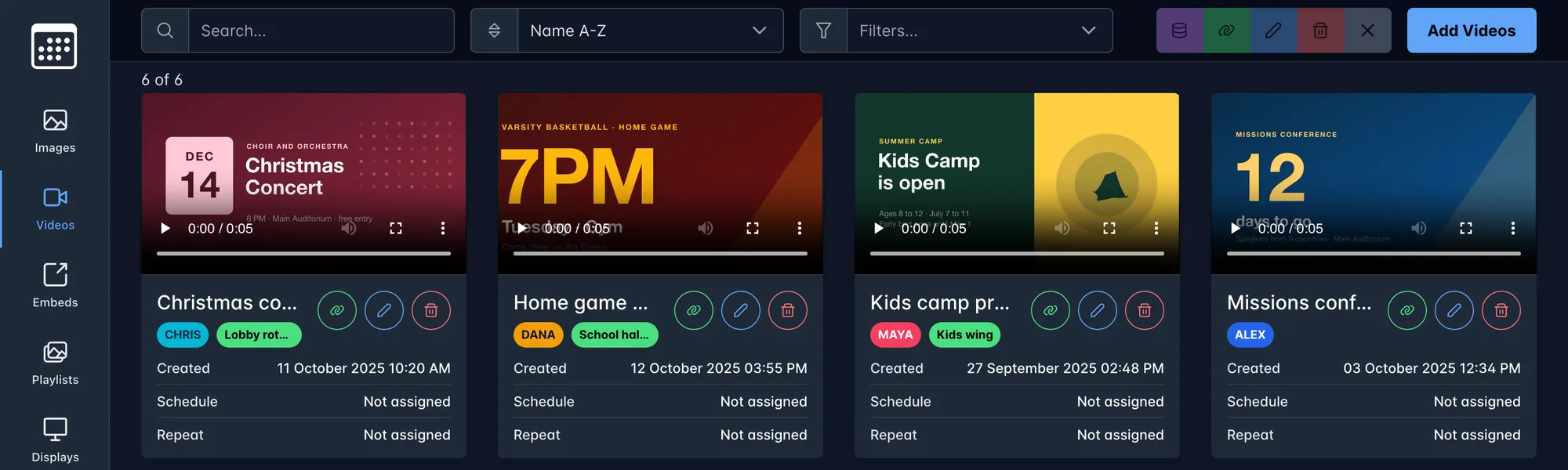
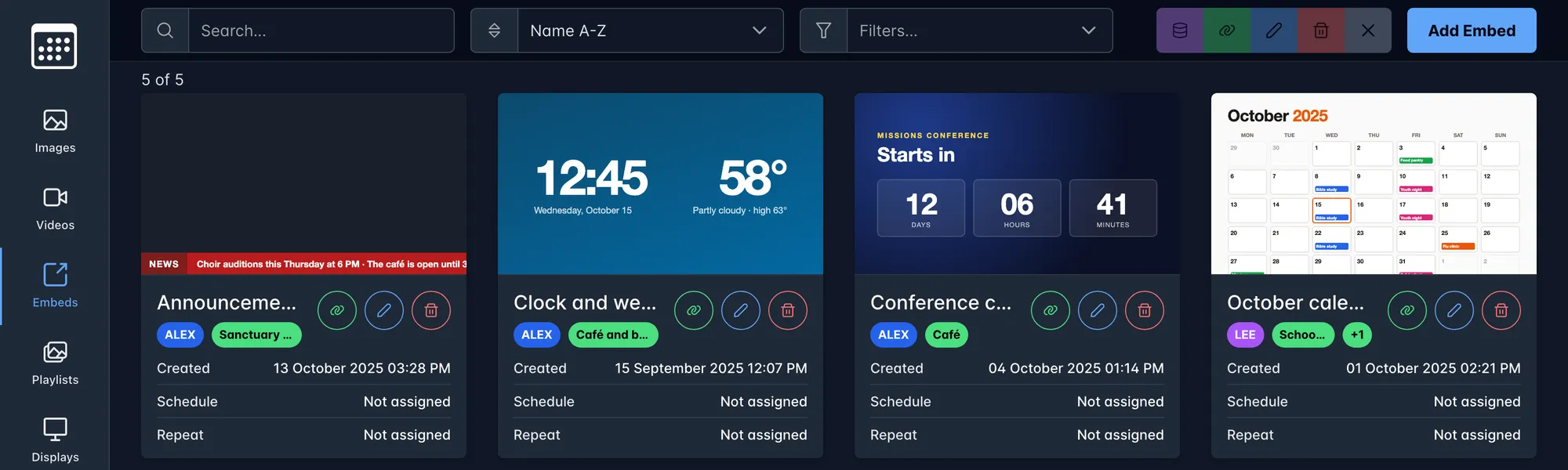
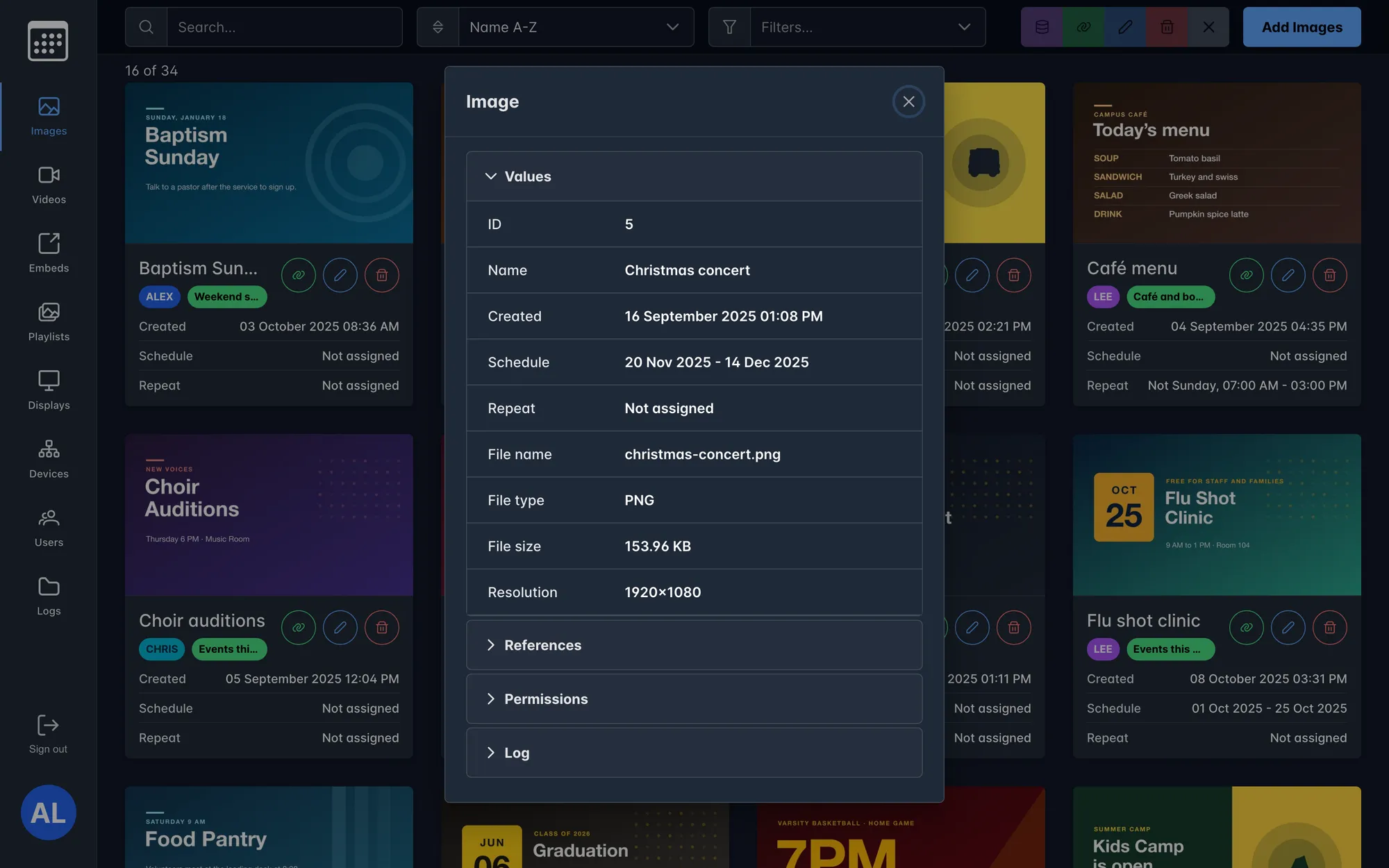
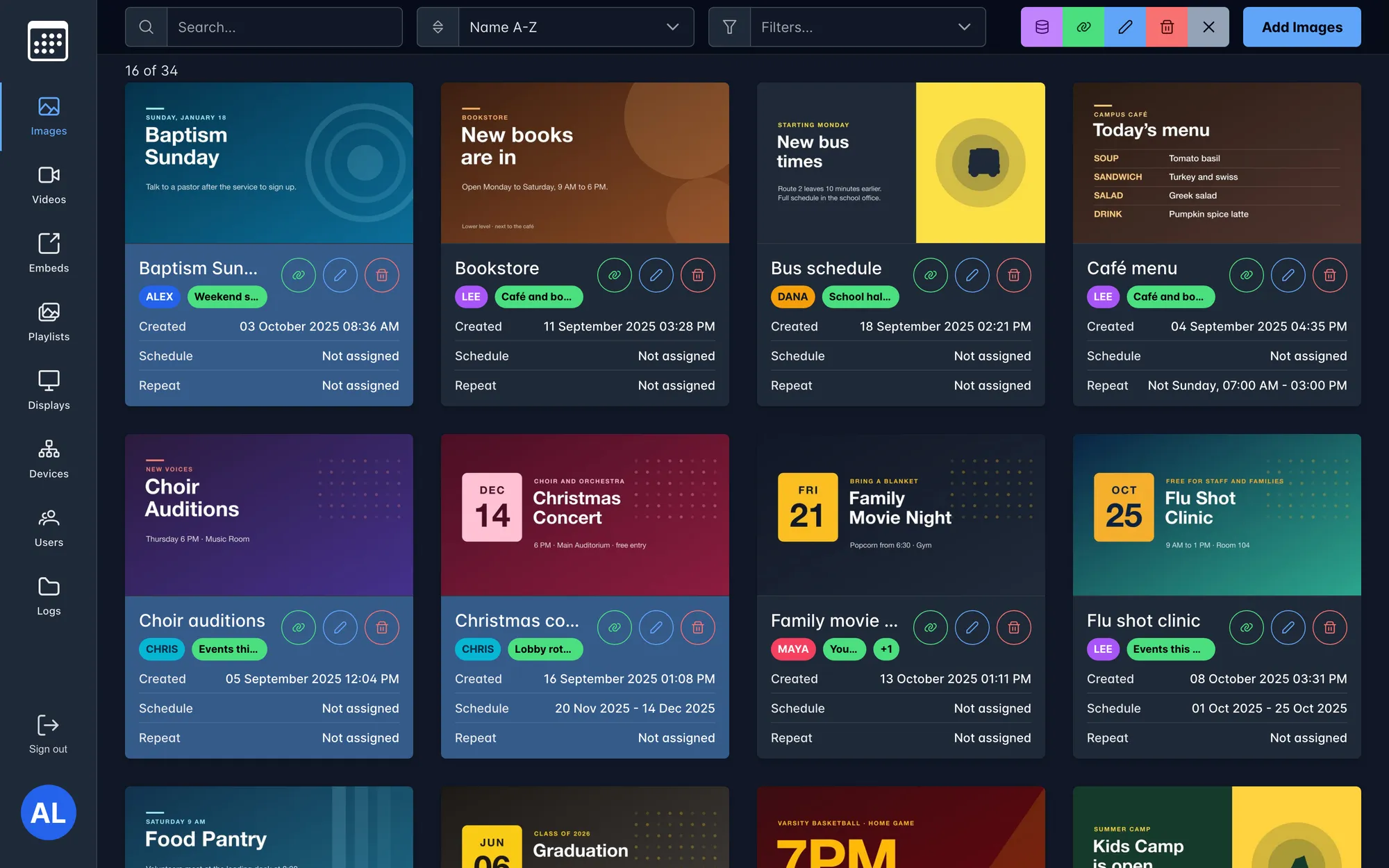
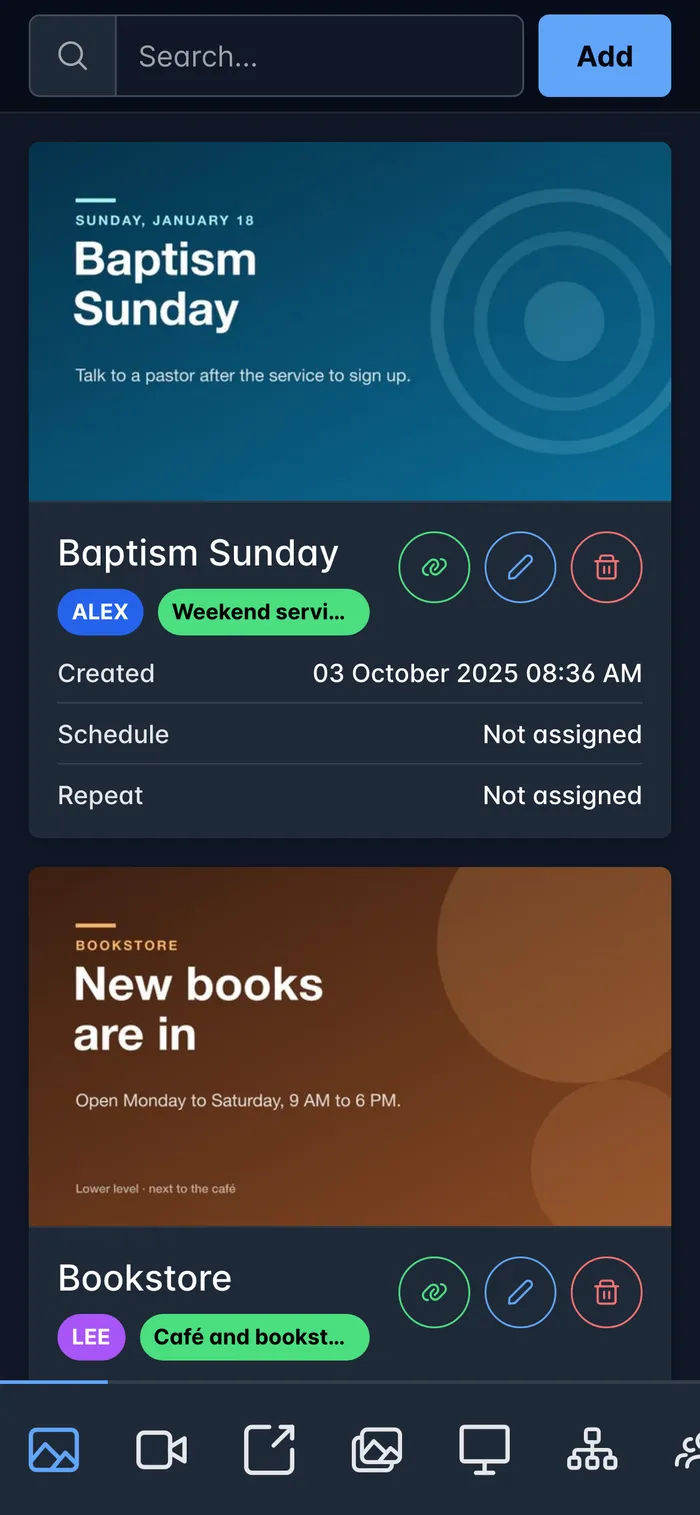
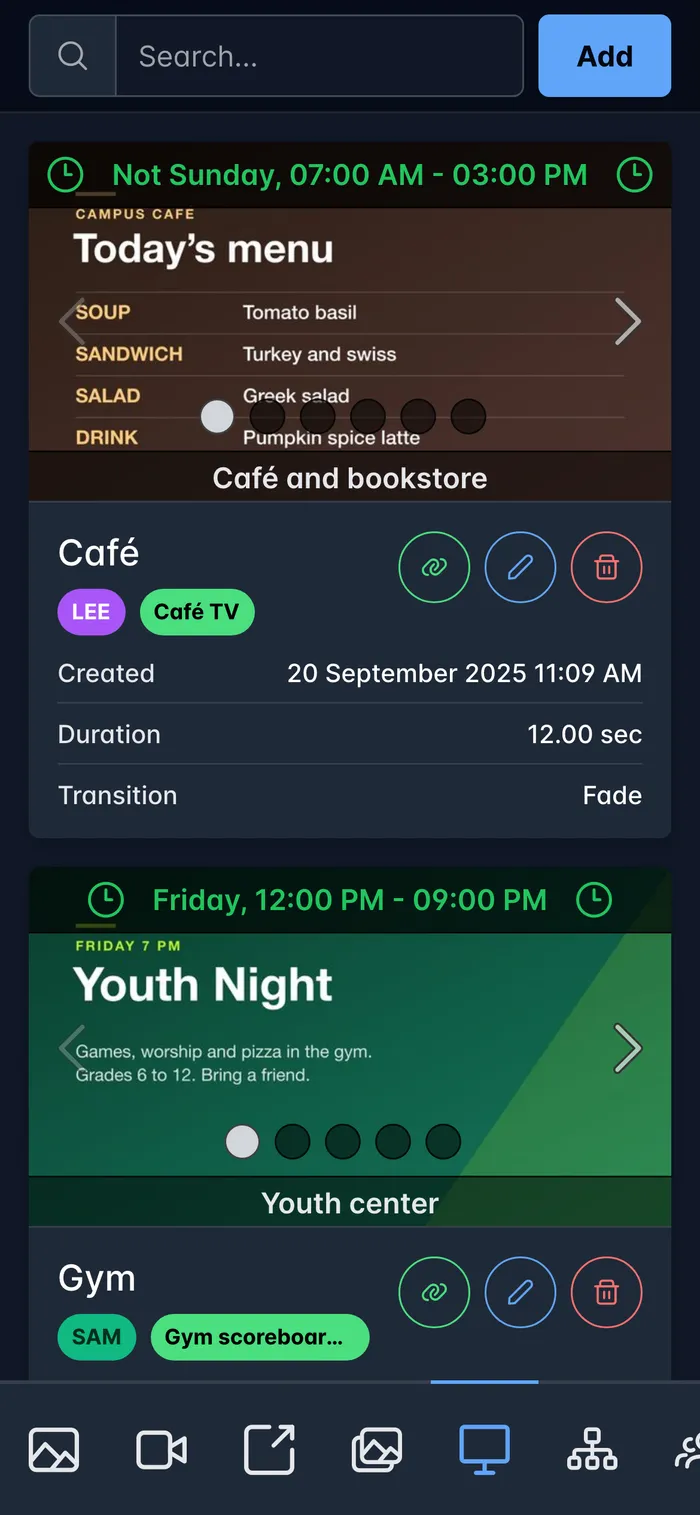
Each person has a colored tag, and 22 permission flags decide what they can add, see, edit and delete. Items can also be shared with other people one by one, or transferred to a new owner.
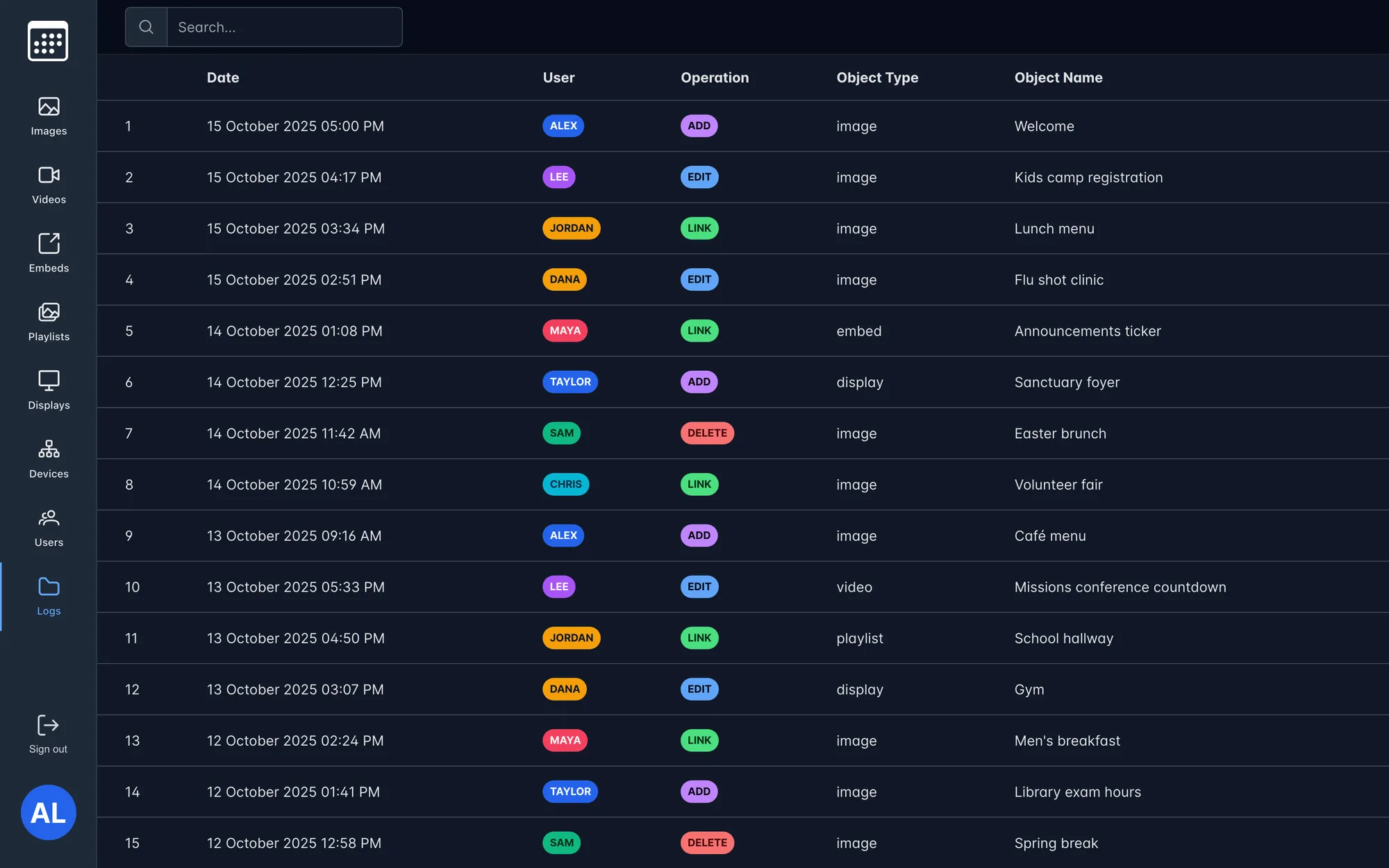
Every change is sent as a typed WebSocket event. Open dashboards and the TVs reload only what changed, and edited images get a new cache key so no screen keeps an old version.
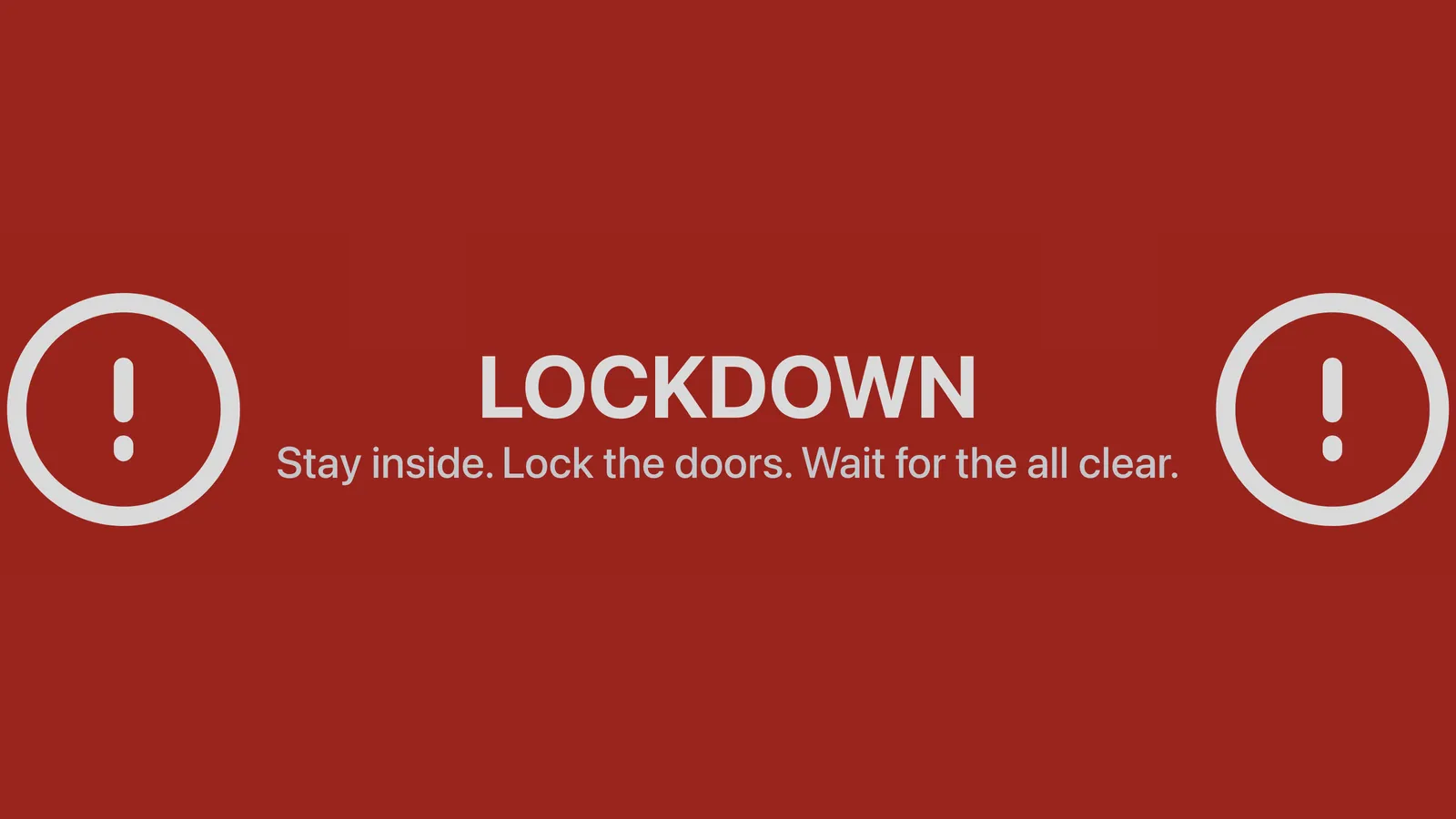
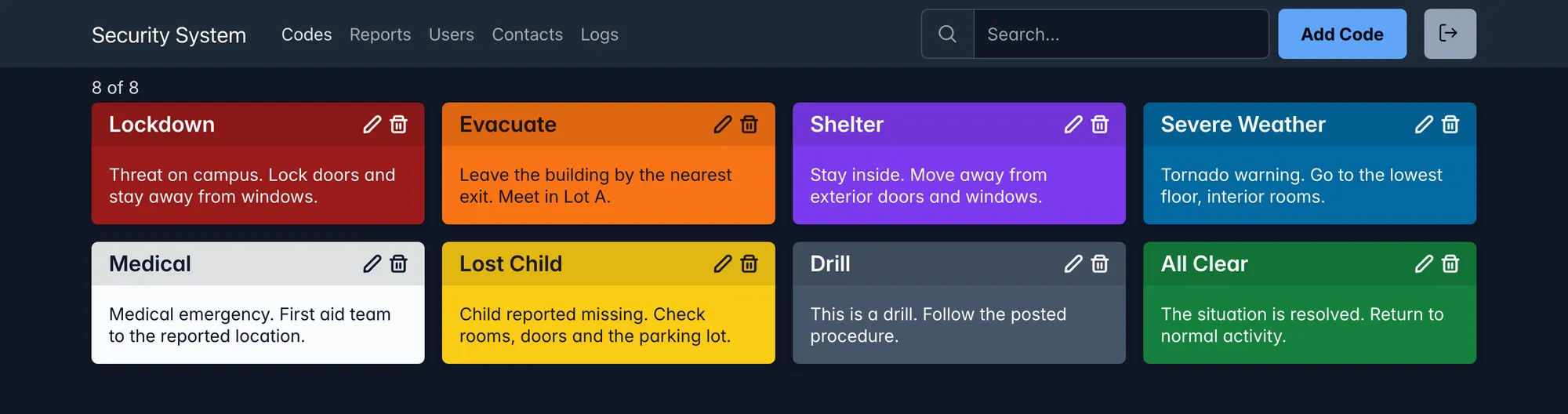
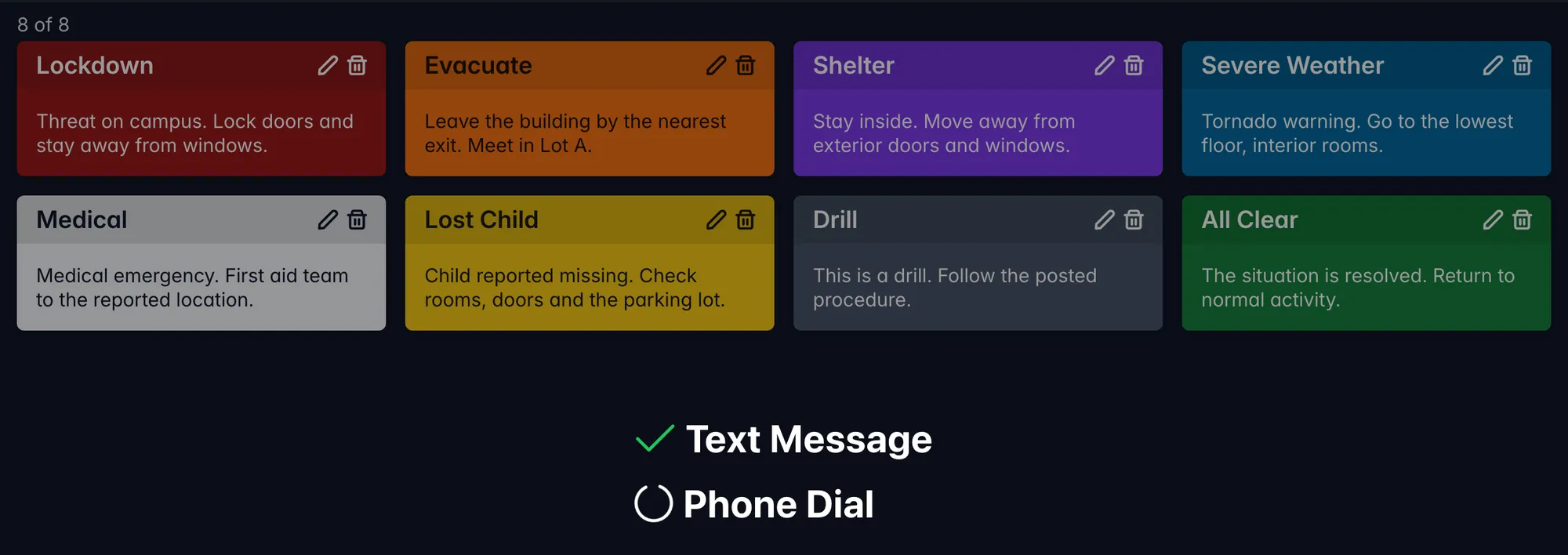
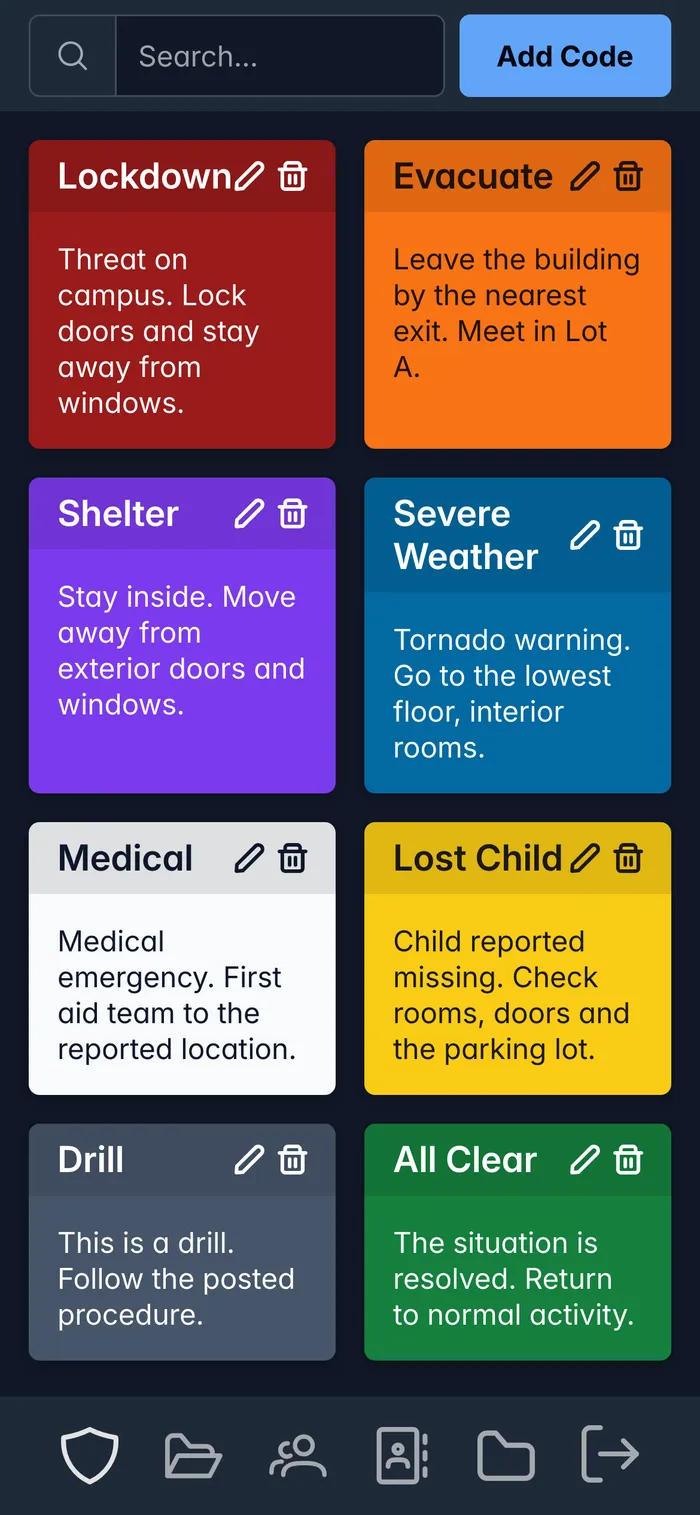
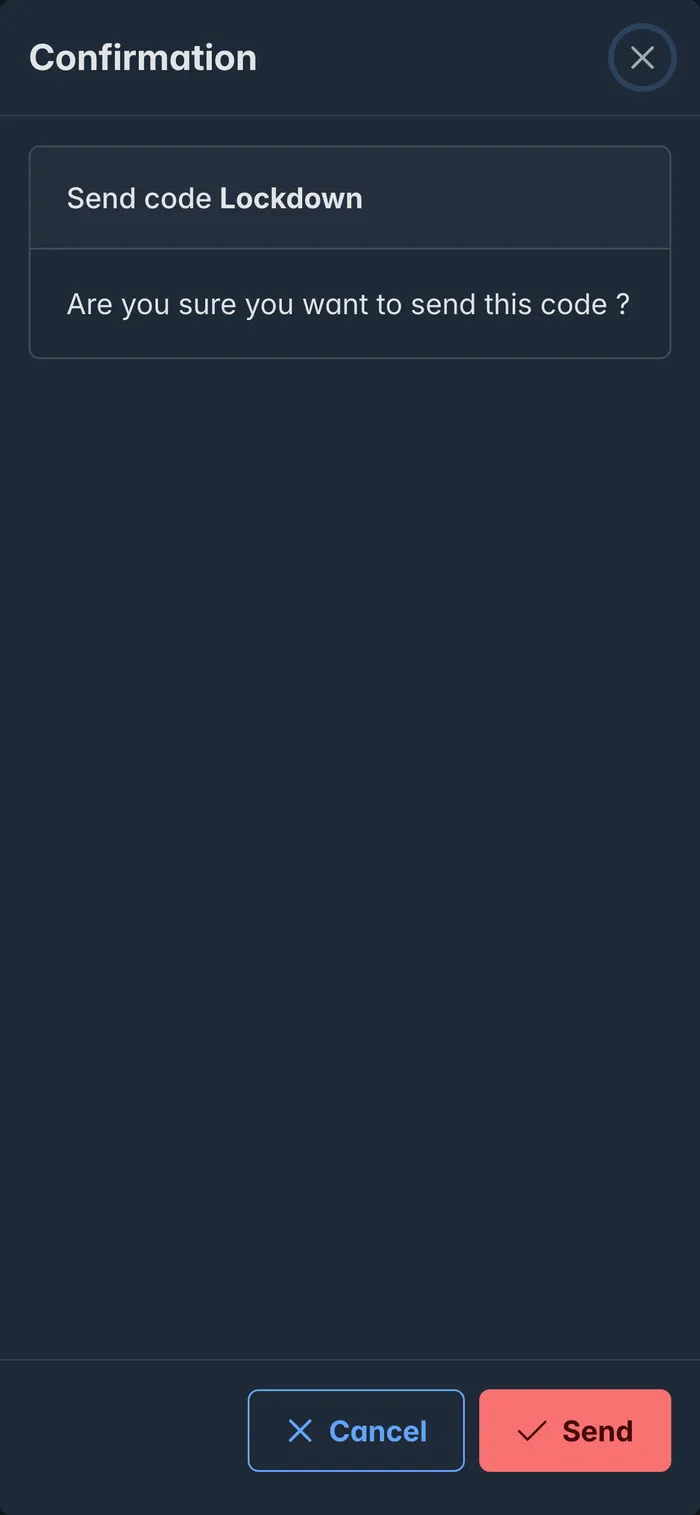
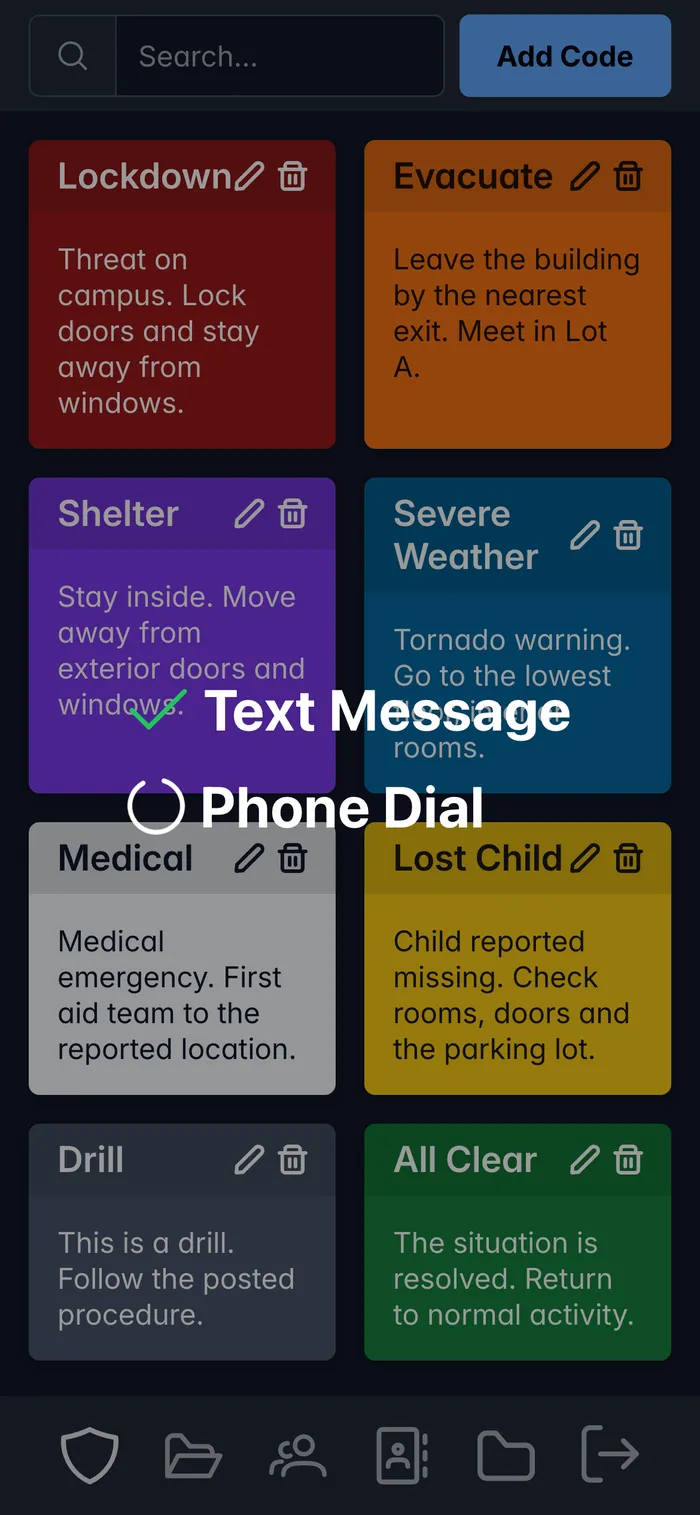
Each code is one colored card: Lockdown, Evacuate, Medical, All Clear. Tapping one and confirming sends a text message to the code's contact list and calls the code's phone number, such as the paging line. If the code asks for it, the desk phones are taken out of do-not-disturb first so the call gets through. The screen shows each step as it finishes, and every send is logged.
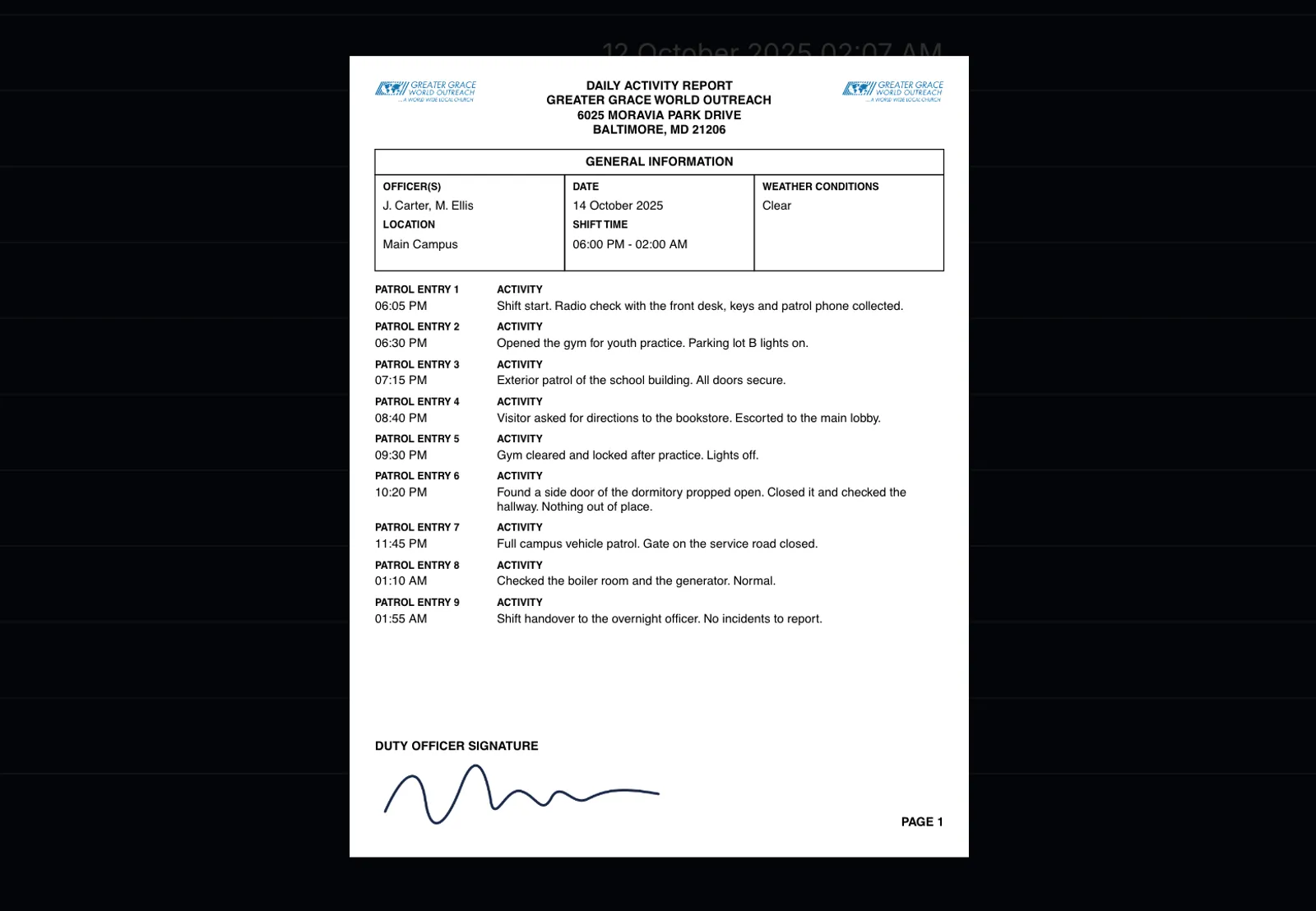
Officers also write their daily activity report here: shift details, patrol entries with times and photos, and a signature drawn on the screen. The server turns it into a PDF that can be previewed, downloaded or printed.
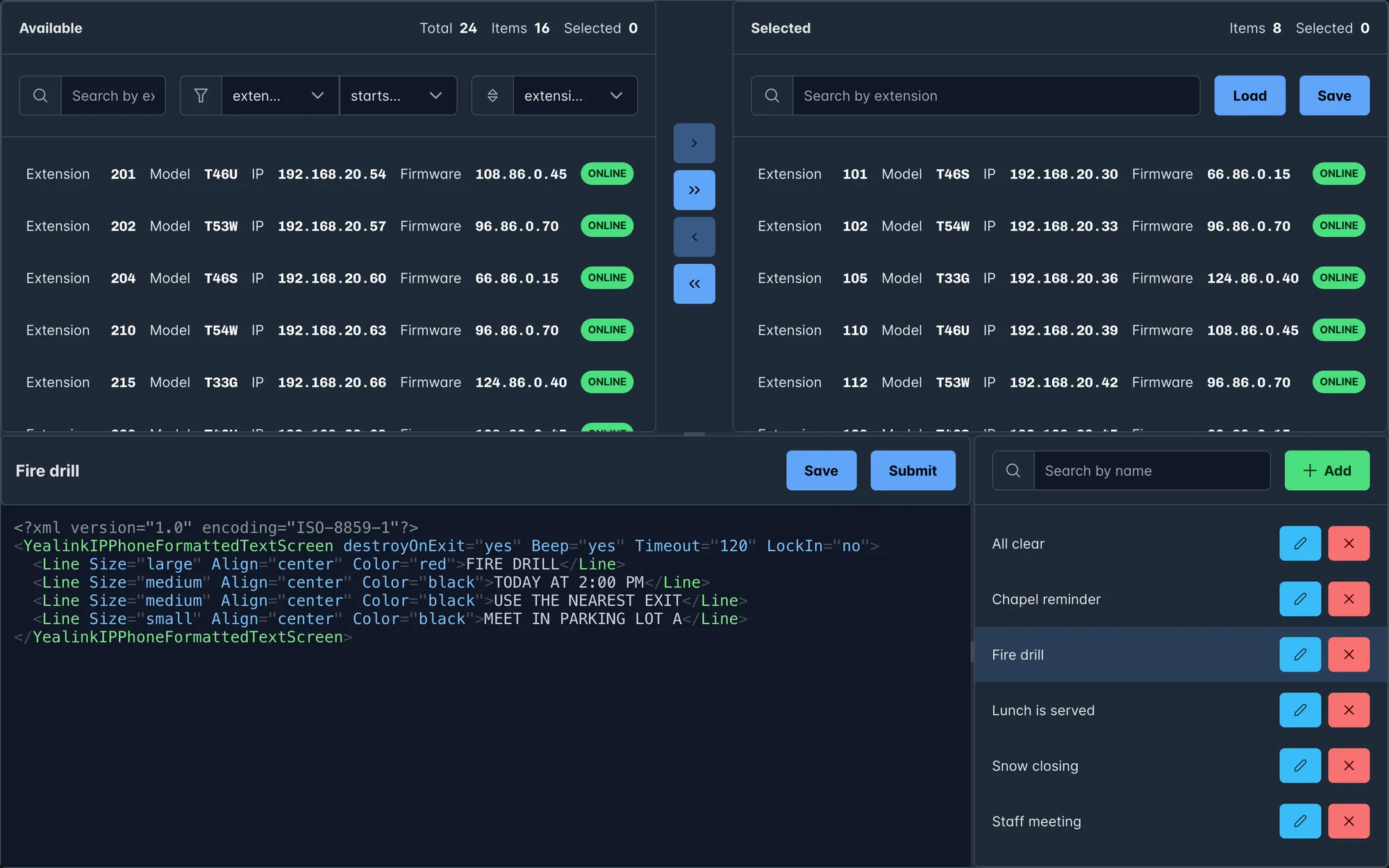
The offices use Yealink desk phones, and those phones can show a full-screen text message pushed to them over the network. This app lists every phone with its extension, model, IP address and firmware, and checks every few seconds which ones are online.
Staff pick the phones, write the message as Yealink XML in a code editor, and send it. Messages are saved as templates, and each template can remember its own group of phones, like "all classrooms" for a fire drill notice.
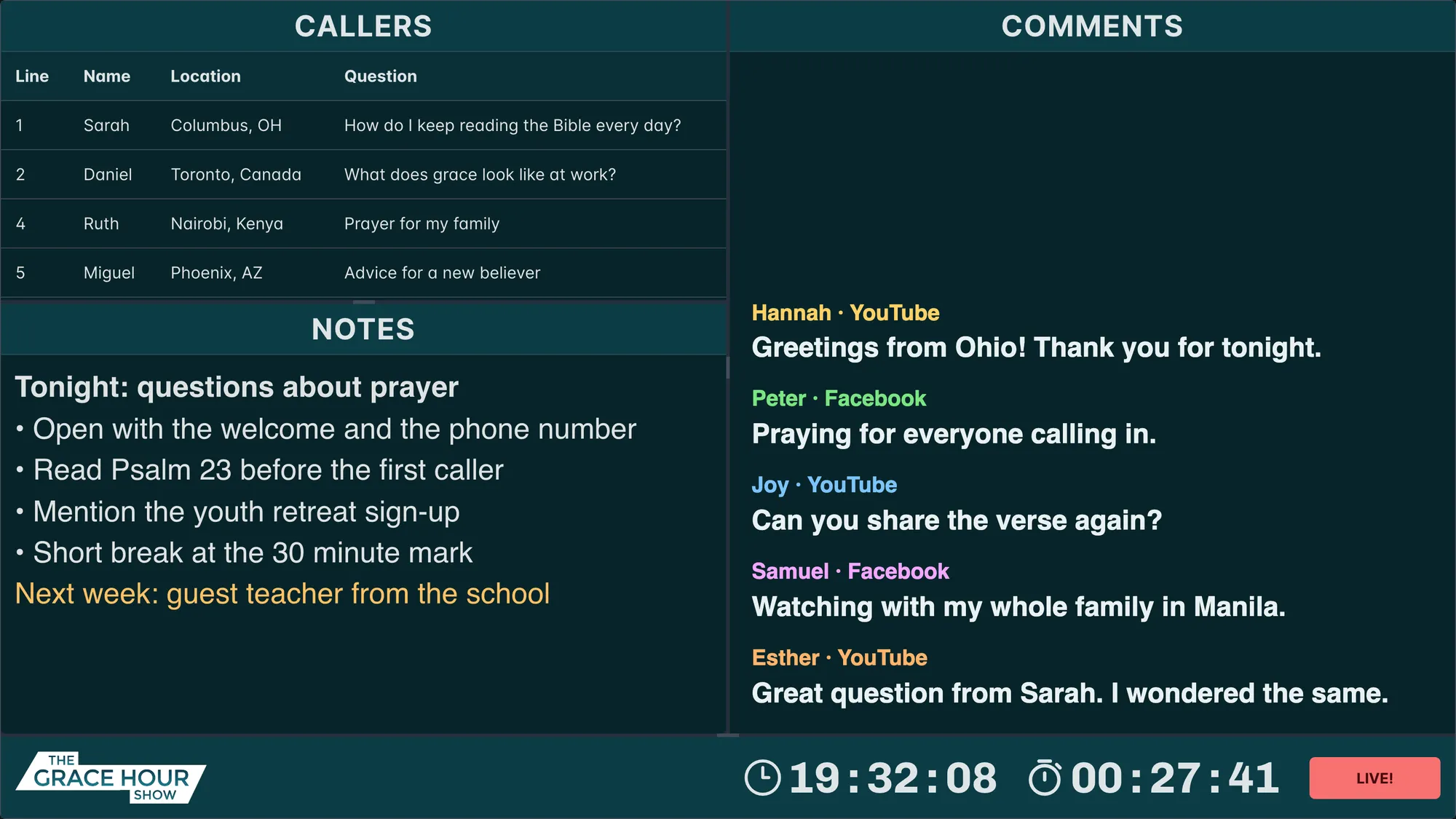
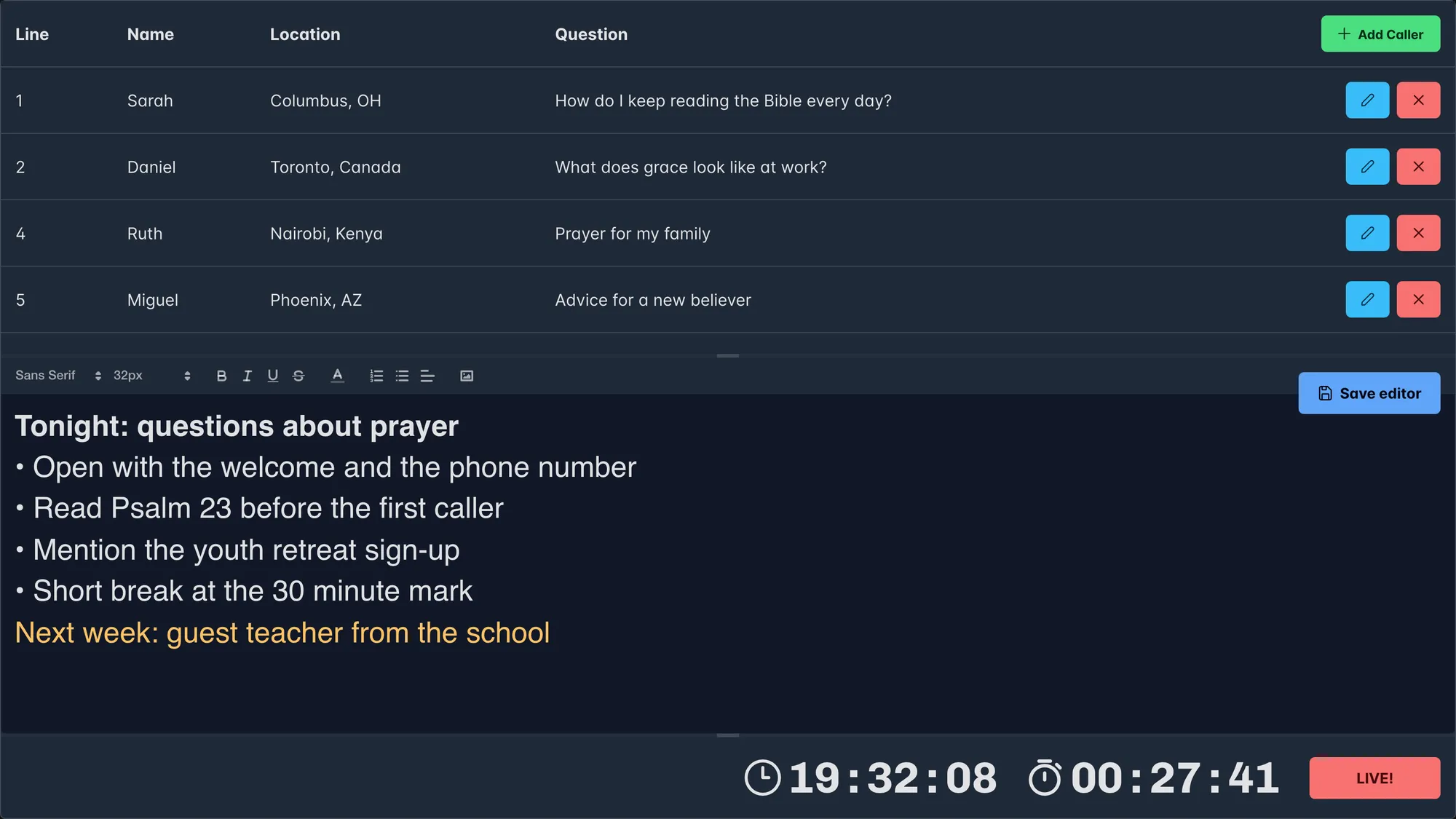
Grace Hour is a live show where people call in with questions. The producer takes the calls and types each caller's line, name, location and question, plus notes for the host. The host has a big screen in the studio with the callers, the notes and the comments from the stream.
The clock and the countdown run on the server and go to every screen once a second, so the producer and the host always see the same time. The on-air button switches every screen at once.
4 web apps   react · primereact · react router · one path each (/media, /security, ...)
             │
             │  REST with JWT  +  WebSockets for live updates
             ▼
4 express servers · mysql
   ├─ media      sharp + ffmpeg for uploads, player devices over websockets,
   │              youtube live check, an endpoint for emergency messages
   ├─ security   pdfkit reports, clearstream text messages, a SIP dialer for
   │              the paging line, XML push to the desk phones
   ├─ phones     phone list, online checks, templates  ──▶  security server
   └─ grace hour callers, notes, the shared clock and on-air state
             │
             ▼
campus network   TVs with player devices · yealink desk phones · unifi, 250+ devices
When several TVs show the same display, they should flip at the same moment. Instead of each TV counting on its own, a synced display works out the current slide from the clock: the time modulo the length of the whole loop. The TVs stay in step even after one of them restarts.
Every item has an optional date range and a weekly repeat, with the weekdays stored as a 7-bit mask and a start and end hour. A playlist can have its own schedule that overrides its items'. The player checks this before every slide, so a Friday-only slide disappears on Saturday without anyone touching it.
Every add, edit, link and delete is broadcast as a typed WebSocket event. Dashboards and TVs refetch only the data that changed, and a cache counter in the image URLs makes sure an edited image replaces the old one everywhere.
The desk phones take XML pushed over HTTP, and their online status comes from a quick TCP check. The TV players connect over WebSockets with ping and pong, so the server knows when one drops off, and it can tell a player to reboot or open another display.
Sending a code runs several steps in order: a text message to a contact list through Clearstream, the desk phones out of do-not-disturb, then a call through a local SIP dialer that hangs up on its own. Each step reports success or failure on the screen, so the person sending it knows what went out.
The activity report PDF is laid out by hand with pdfkit. It measures each entry before drawing it, starts a new page when the next entry or photo won't fit, and repeats the header and the officer's signature on every page.
Internal tools built for GGWO staff. The source code is private. The screenshots come from the real app builds, running against invented demo data: no real staff, contacts, reports, phones or content.